sales · Oct 14, 2026 · Updated Oct 14, 2026
Proposal Software With Stripe: How to Get Paid the Moment a Client Signs
Sign and pay should be one step, not two. Here's how proposal software with Stripe actually works, and what to check before you pick one.
Proposal Software With Stripe: How to Get Paid the Moment a Client Signs
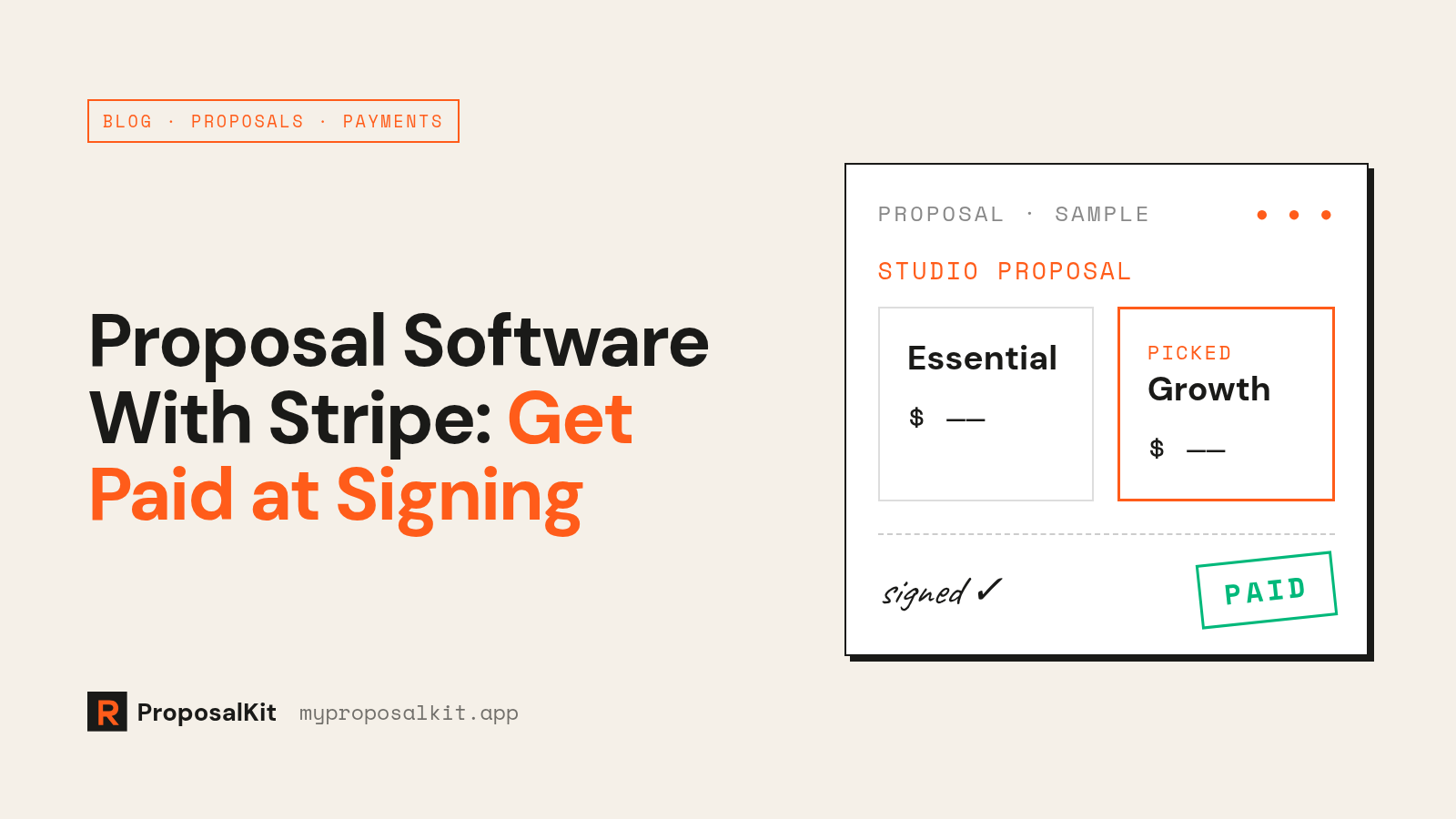
Proposal software with Stripe turns a signed proposal straight into a payment request. Your client picks a package, signs, and gets a Stripe invoice for that exact amount, so the money moves the same day they say yes. Before you choose a tool, check whose Stripe account gets paid and whether the vendor takes a cut.
Here's how it works and what to decide before you set it up.
Why sign and pay should be one step
The usual close looks like this: send a PDF, wait for "looks good," send a signature request from another tool, retype the price into your invoicing app, email the invoice, then chase it.
Your client said yes at step two, but you don't get paid until step five or later. Every handoff is a chance for the deal to cool off. When signing and paying happen in one flow, the agreed number goes straight onto the invoice and your client can finish in one sitting.
How it works
Most tools follow the same pattern:
1. You connect your Stripe account, usually through Stripe Connect, so payments land in your balance. 2. You build the proposal with prices: one price, or a few packages to choose from. 3. Your client picks a package and signs on a hosted page. 4. The tool creates a Stripe invoice or checkout page for that amount. 5. Your client pays on Stripe's page. Card details go to Stripe, not the proposal tool. 6. The status updates when Stripe confirms payment.
The differences between tools are in the details, and those matter more than how many templates they have.
Four things to decide
1. Deposit or full payment?
- Full payment fits fixed-scope work: audits, sprints, small builds.
- Deposit now, balance later fits bigger projects.
- First month up front fits retainers.
Whatever you choose, write it in plain words next to the price: "50% today to book your start date, 50% at launch." People don't pay amounts that surprise them.
2. Invoice or instant checkout?
A Stripe invoice is a proper document with a payment link, easy to forward to whoever pays the bills. An instant checkout is quicker for small clients paying by card. If your clients have an accounts-payable team, go with invoices.
3. Whose Stripe account gets the money?
Check this first. With a Connect setup, the money settles to you on your normal Stripe payouts. Some tools add their own percentage on top of Stripe's fees, so search their pricing page for "platform fee" or "transaction fee." A few percent on every project adds up fast.
4. What happens after they pay?
At a minimum, you want an alert when your client opens, signs and pays; the proposal marked paid automatically; a Stripe receipt for them; and a record of what they signed. If you're still matching proposals to payments by hand, the integration isn't doing much.
Your setup checklist
- [ ] Stripe account fully activated, with your bank account added for payouts
- [ ] Stripe connected to your proposal tool and tested with a small invoice to yourself
- [ ] Package prices match what you want to charge at signing
- [ ] Payment terms written next to each price
- [ ] Late or partial payment terms in the scope section
- [ ] Alerts on for "viewed," "signed" and "paid"
- [ ] An expiry date, so old pricing can't be accepted months later
Where ProposalKit fits
ProposalKit is built around this flow:
- Your own Stripe account. ProposalKit takes 0% of what your clients pay. You only pay Stripe's normal fees.
- Invoice on acceptance. When your client picks a package and signs, ProposalKit can create the Stripe invoice for it automatically, and the proposal flips to paid when the money arrives.
- Packages on one page. Show two or three options. The invoice matches whichever one they pick.
- Alerts by email or Telegram when a client views, signs or pays.
- Expiry and auto-lock, so offers don't sit open forever.
Working deposit-first? The simplest setup is to make the package price the amount due at signing and spell out the balance and timing in the scope. That way the invoice and the agreement say the same thing.
Build a proposal free → You only pay to go live. Basic is $24/mo, Unlimited is $99/mo.
FAQ
Do I need Stripe to use proposal software? No, but without a payment link you're back to sending a separate invoice after the signature.
Is a signed proposal legally binding? E-signatures are generally enforceable in the US under the ESIGN Act and UETA, but rules vary by country. For high-stakes deals, have a lawyer check your terms.
Can clients pay by bank transfer? That depends on which payment methods you've turned on in Stripe and which ones your tool passes through.
Will the proposal tool see my clients' card details? Not when they pay on Stripe's hosted page. The card data goes to Stripe.
Try ProposalKit on your next deal
Voice memos, client hubs, and Stripe invoicing — from $24/mo.
Start free